logo

Production Counter Android App – Smart Control for LED Counters

The Robato Production Counter Android App is a powerful mobile tool that lets you configure, monitor and control all types of Production Counter LED Displays from your phone. Designed for modern manufacturing, the app enables quick setup, real-time monitoring and seamless communication with all Robato counters that support WiFi or Ethernet.

Production Counter Android App
Smarter Factory Counter Control with Android App

Smarter, Faster and Easier Control for Factory Counters

With the Production Counter Android App, you no longer need to open enclosures, access internal hardware settings or manually program PLC logic for basic configurations.

The app gives operators and supervisors a seamless way to:

  • Update target and batch values
  • Configure shift timings
  • Set or reset the counter
  • Change machine or job ID
  • Adjust LED brightness and display settings
  • Select display mode (count only / multi-row / scrolling)
  • Monitor actual production and status in real time (supported models)
Robato Systems

Transform Your Business with Intelligent Automation

Let Robato Systems transform your business with cutting-edge automation solutions. Book a free consultation and see the difference.

Key Features of the Android App

Everything you need to configure and monitor your production counters from your mobile device

WiFi/Ethernet Connectivity

Connect across LAN to any Smart or Standard counter.

  • Seamless network connection
  • Works with existing infrastructure
  • No additional hardware required

Auto Device Discovery

Find nearby counters instantly.

  • Automatic scanning on network
  • Quick device identification
  • Easy pairing process

Target & Actual Update

Modify target count for any machine.

  • Real-time target modification
  • Instant sync with display
  • Batch size configuration

Shift Configuration

Define shift hours, break timing and reset behaviour.

  • Multiple shift support
  • Break time management
  • Auto-reset scheduling

Job Management

Assign job ID, process ID and operator ID.

  • Job ID assignment
  • Operator tracking
  • Process identification

Brightness Control

Change LED brightness remotely.

  • Remote brightness adjustment
  • Environment-adaptive settings
  • Power saving modes

Batch Count & Multiplier

Adjust pulses per product.

  • Pulse configuration
  • Multiplier settings
  • Accurate count mapping

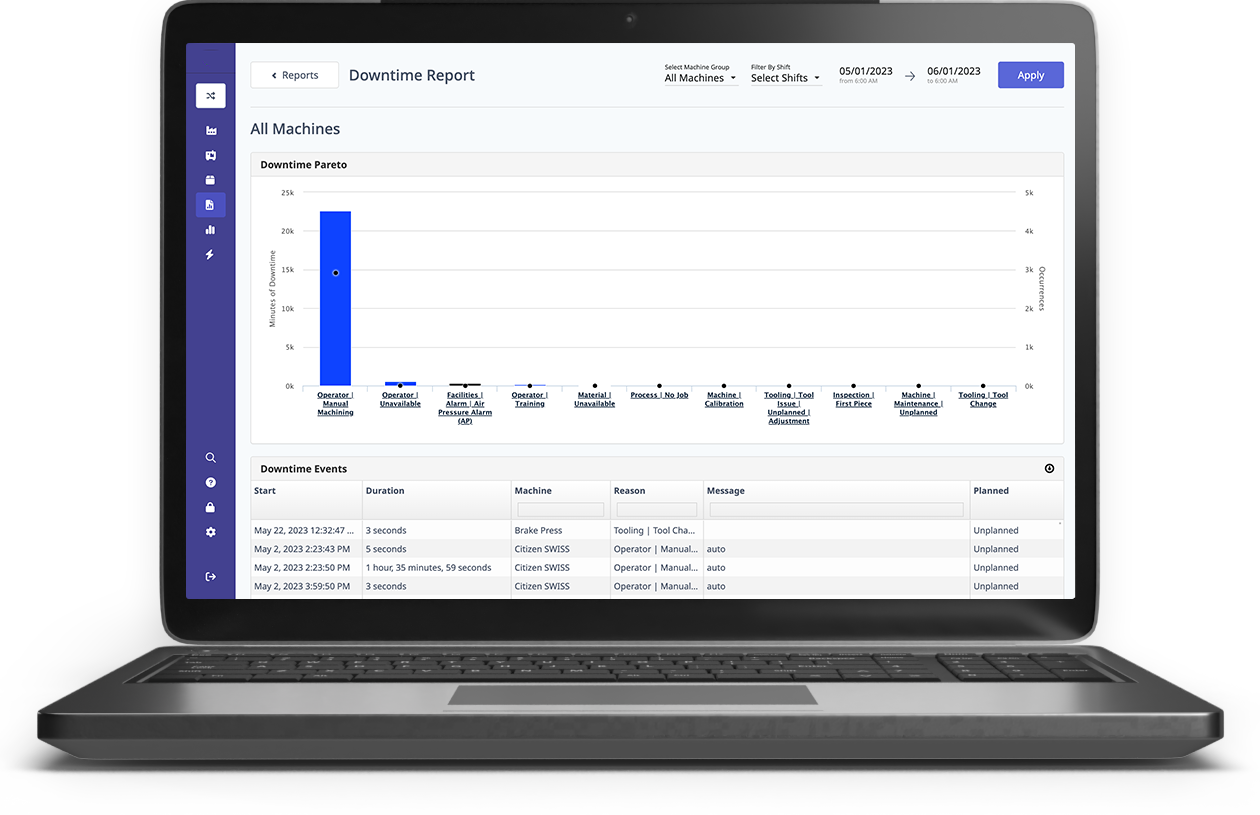
Live Status Monitoring

Smart counters send live status, efficiency and downtime info.

  • Real-time efficiency data
  • Downtime tracking
  • Machine status updates

Android Notifications

Get alerts for low efficiency or machine downtime (model dependent).

Supported Devices

The Android app works with:

Technical Capabilities

Production Counter Android App Technical Capabilities
APP PLATFORM

APP PLATFORM

Android (Mobile & Tablet)

CONNECTIVITY

CONNECTIVITY

WiFi, Ethernet (LAN)

DEVICE DISCOVERY

DEVICE DISCOVERY

Automatic / Manual IP mode

MAIN FEATURES

MAIN FEATURES

Target Setup, Reset, Job ID, Shift Settings

SUPPORTED DISPLAYS

SUPPORTED DISPLAYS

LED Counters, Smart Displays, Large Boards

REAL-TIME MONITORING

REAL-TIME MONITORING

Yes (Smart Models)

ROBATO SYSTEMS

"Transform Your Business Today"

Experience cutting-edge production monitoring solutions

"Empowering industries with real-time insights and intelligent automation"

Book a free trial and experience the difference

Benefits of Using the Android App

Why Use the Android App

01

Reduces commissioning time by 80%

02

No wiring or hardware adjustment needed

03

Simplifies shift and job management

04

Ideal for supervisors managing multiple machines

05

Provides real-time insight into production performance

Improves accuracy and eliminates manual configuration errors

INDUSTRIES USING THE ANDROID APP

Automotive OEMs & suppliers

Pharma & medical device manufacturing

Textiles & garment factories

Electronics & PCB assembly

FMCG packaging lines

General engineering and fabrication

Take Full Control of Your Production Counters

The Robato Production Counter Android App makes configuration effortless and improves shop-floor efficiency. Explore more Production Counter Solutions or contact our team for demo access.

01

Production Counter Solutions

Explore our complete range of LED production counters, software and integration options for any manufacturing environment.

Learn More →
02

Contact for Demo Access

Get in touch with our team to receive demo access to the Production Counter Android App and see how it can streamline your factory operations.

Get Access →

Frequently Asked Questions

1. What does the Production Counter Android App do?

2. Does the app work with all Robato counters?

3. Can I set job IDs and targets from the app?

4. Does it support real-time monitoring?

5. Is the app used for commissioning?

Loading latest blogs...